How Toyota Halo telematics works

Connect and manage your fleet online with our unique platform powered by smart data-tracking technology across fleets consisting of compatible Toyota and non-Toyota models
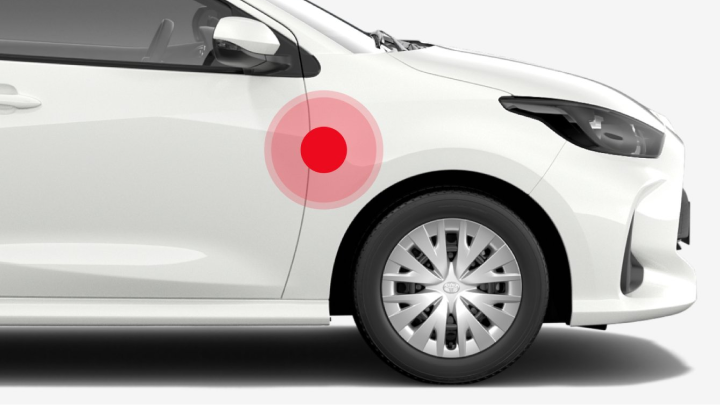
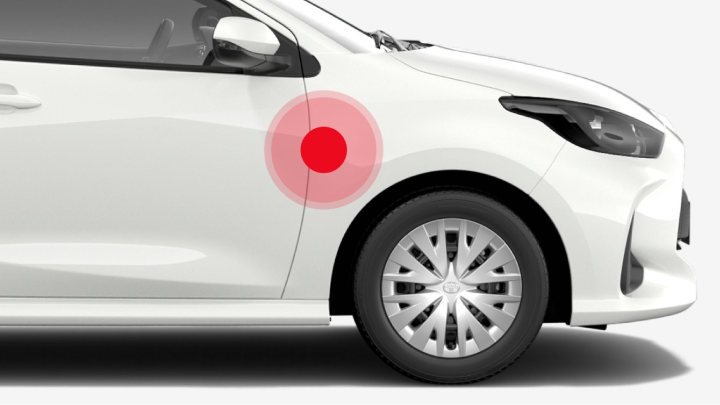
A white Toyota Corolla parked on a stylised red spotlight.
 

Integrating Toyota HaloC17 with your fleet vehicles

Seamless integration

Newer Toyota vehicles are already equipped with a Data Communications Module (DCM) while older Toyota vehicles can be connected through a Toyota genuine TL-OBD deviceP4. Compatible non-Toyota vehicles can now connect to Toyota HaloC17 via the GX6 plug-in deviceF25.
Secure data synchronisation
Toyota Connected vehicles or telematics devices securely transmit data via the Telstra 4G networkCS23. Secure synchronisation protocols ensure data integrity and privacy across all connected devices, accessible via computer or mobile.
Hardware

Connecting your Toyota vehicles for seamless managementCS23

Toyota Connected vehicles

Toyota Connected vehicles

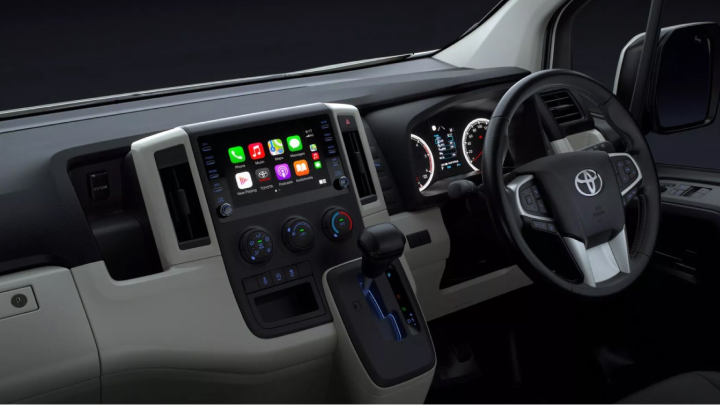
All of our Connected vehicles come factory-fitted with a Data Communication Module (DCM), meaning you’ll be able to access Toyota HaloC17 without having to purchase a separate accessory.

Non-Connected and non-Toyota vehicles

Non-Connected and non-Toyota vehicles

If your Toyota doesn’t have built-in connectivity — or if your vehicle isn’t a Toyota — you may still connect it to Toyota HaloC17 using a plug-in device. Speak to your local Dealer or Toyota HaloC17 support for details.
Software

Easy to use for fleet managers and drivers on all devices

In the office or on the go, enjoy the simplicity of an all-in-one platform accessible on your phone, tablet, laptop or desktop.
A laptop displaying the Toyota Halo software, to the right of which a mobile device displaying the Toyota Halo GPS tracking portion of the software.
 

Toyota HaloC17 software can be accessed from any web browser

Connect and sync your Halo-enabled devices for an overview of your entire fleet anytime, anywhere. Toyota HaloC17 works seamlessly with Chrome, Safari, Firefox and Microsoft Edge.


Two Toyota Halo app icons, the white on the left for the Toyota Halo Manager app, and the black on the right the Toyota Halo Driver app.
 

Access our fleet management apps

Our easy-to-use apps, Toyota Halo Manager and Toyota Halo Driver, are available on iOS.

Toyota Halo Manager   Toyota Halo Driver

How to integrate Toyota HaloC17 for improved fleet monitoring

Using Toyota HaloC17 is simple. Getting started is simple too. When the vehicles in your fleet have the hardware installed, follow these steps.
Complete your details
Your dealer or regional fleet manager will fill out the form for you.
Log in
Follow the steps in your welcome email to log in to your account.
Subscribe
Select your vehicles, subscription plan, and preferred payment method.
Customise your experience
Create groups, labels, users and notifications based on business requirements.
Gain full oversight
Toyota Halo’s features, insights and functionalities can help you confidently manage your fleet.
Leverage support
Support is always nearby to help you make the most of the platform.
contact-help
Get started now
Plans and pricing

Choose from two Toyota HaloC17 plans to get your fleet moving

Data Feed Plan

An API telematics datafeed-only subscription, designed for businesses that already have an established fleet management solution. Businesses can integrate this API into their systems at their own discretion.

Fleet Management Plan

An end-to-end package, featuring a combination of telematics data and powerful Toyota HaloC17 software with cellular tracking, geofencing and more.

Vehicle compatibility

Is my Toyota compatible with Toyota HaloC17?

Take a look below to find out if your Toyota vehicle is compatible with Toyota HaloC17. Most vehicles require a one-off activation fee, and some may need a dedicated telematics device. Compatible non-Toyota vehicles can also connect using the GX6 plug-in deviceF25. For more details, contact the Toyota HaloC17 team.
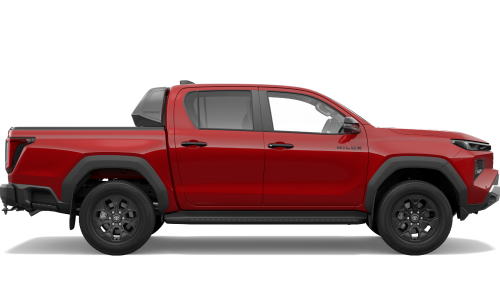
HiLux

New HiLux


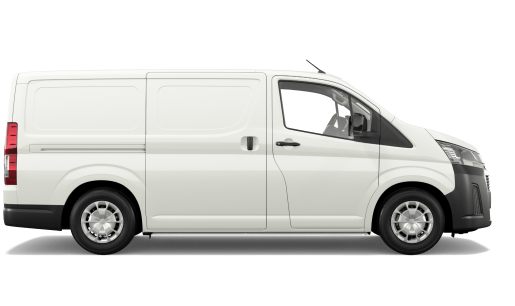
Compatible with embedded DCM device (December 2025 production onwards).

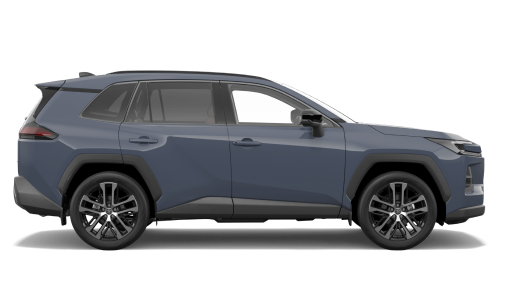
A blue Toyota RAV4.

All-New RAV4


Compatible with embedded DCM device (October 2022 production onwards).

A blue Toyota LandCruiser 70.

LandCruiser 70


Requires installable TL-OBD device (October 2024 production onwards).

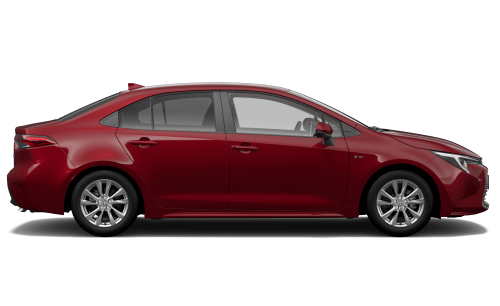
A red Toyota Corolla Sedan.

Corolla Sedan


Compatible with embedded DCM device (September 2022 production onwards).

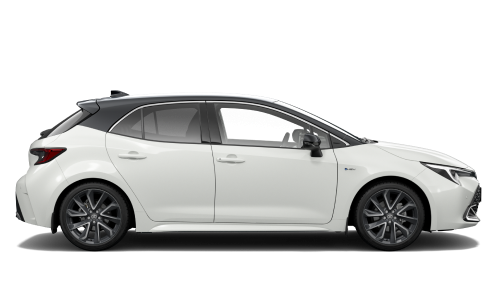
The right-side-view of a white Toyota Corolla Hatch in the ZR variant.

Corolla Hatch


Compatible with embedded DCM device (September 2022 production onwards).

2024 Prado

LandCruiser Prado


Compatible with embedded DCM device (December 2023 production onwards).

Is my older Toyota or non-Toyota vehicle compatible with Toyota HaloC17?

Browse the options to confirm your vehicle’s compatibility with Toyota HaloC17. A one-off activation fee applies to most vehicles, and some may require a dedicated telematics device. Compatible non-Toyota vehicles can connect using the GX6 plug-in deviceF25. Contact the Toyota HaloC17 team for more information.
Older Toyota models


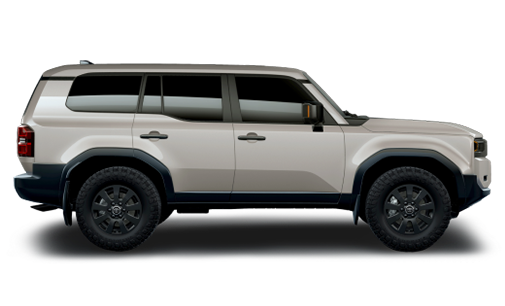
If your Toyota model isn’t visible, you may still be able to connect to Toyota HaloC17 using a TL-OBD plug-in device.

Non-Toyota vehicles


Non-Toyota vehicles can connect to Toyota HaloC17 using a compatible GX6 plug-in deviceF25.
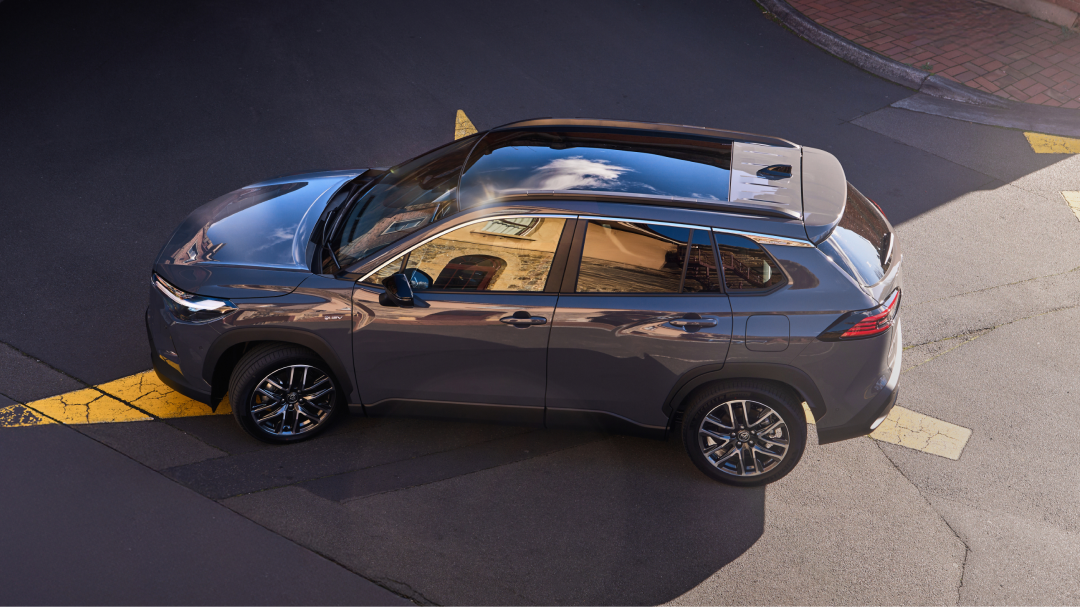
From small teams to large enterprises, Halo fits every fleet.

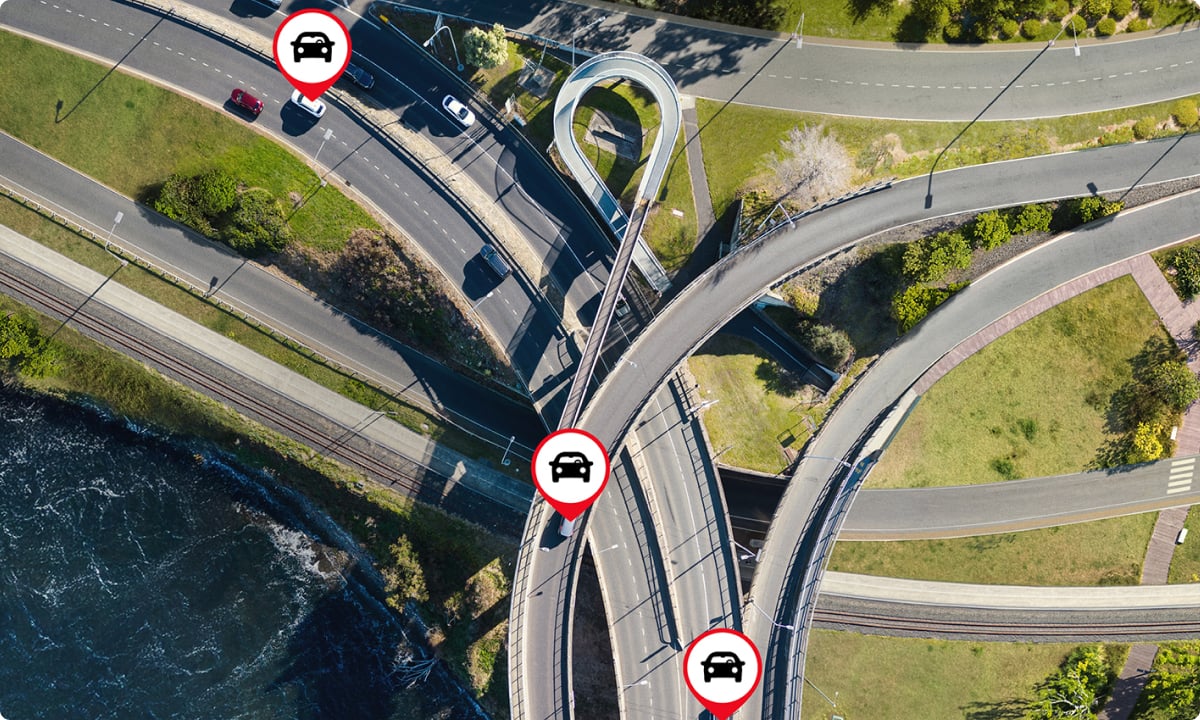
A birds eye view of overlapped and looping freeways, featuring icons of cars from Toyota Halo’s telematics software.

Support and FAQs

A birds eye view of overlapped and looping freeways, featuring icons of cars from Toyota Halo’s telematics software.

Support and FAQs

Find answers to a range frequently asked Toyota Halo and fleet-related questions. Can’t find what you’re after? Our Toyota Support team will be happy to help.
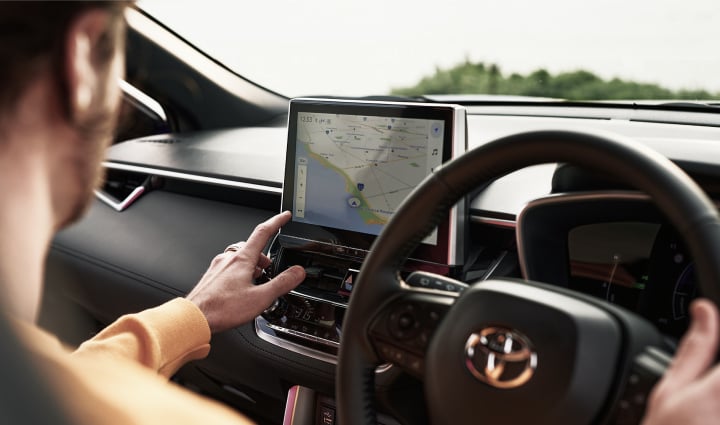
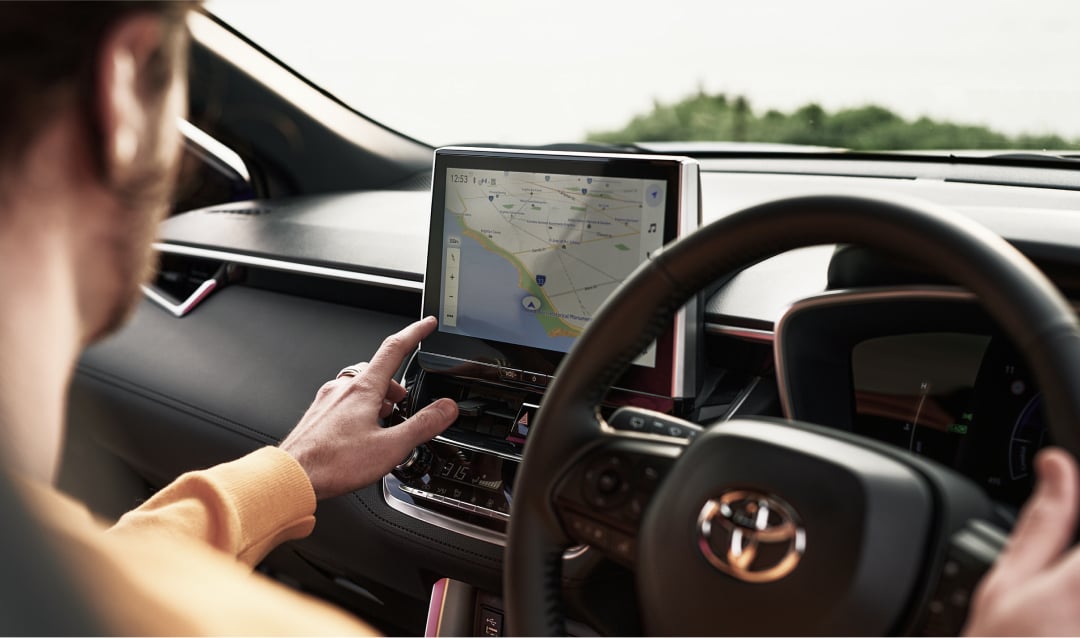
A man drives a Toyota Corolla Cross, the view of the interior showing him reaching over to the vehicle’s built-in navigation on the multimedia display.

Discover Toyota HaloC17 features

A man drives a Toyota Corolla Cross, the view of the interior showing him reaching over to the vehicle’s built-in navigation on the multimedia display.

Discover Toyota HaloC17 features

Learn about the features that make it simple to monitor your fleet and make informed decisions that can transform operations and reduce costs.

Frequently asked questions

How does Toyota Halo work?
What is telematics?
I have existing fleet software — can I still get Toyota Halo?
Support

Ready to take the next step?

Get in touch with the Toyota Halo team. They’re on hand to assist with all your fleet and Toyota HaloC17 queries.

Learn more about Toyota for Business


View our range of business vehicles and fleet solutions.

Already a Halo customer?


Log in to the Halo portal to access features, view your data and connect to your fleet.